
Battery for laptop ibm


All the practical advantages that an IBM laptop offers depends on the quality of its. The primary concern of any laptop user is usually finding a compatible replacement battery that can perfectly replace the original battery once it becomes defective. It is currently possible to have a long lastingIBM laptop battery that also remains efficient during use. Everything about the IBM laptop is designed to provide satisfaction to the user. With our IBM laptop battery, you no longer have to worry about battery life or durabilityit will allow you to use your laptop as long as possible. Our IBM laptop battery is the one to choose if you are looking for a battery with a greater capacity when compared to the original battery. And to further put your mind at ease, note that this battery meets the quality standards ISO 9001, CE, and RoHS..
The added value of an IBM laptop battery
The IBM brand sets very high standards when it comes down to laptop batteries. The brand\'s laptop batteries have been manufactured based on the original battery circuit to ensure a perfect match with the laptop. Indeed, each battery has undergone a series of strict quality and safety tests.
How do you know when you need to change your laptop battery?
A dying battery will make the computer use less comfortable. Hence, you need to know the warning signals.
The first sign is that your computer is gradually losing its battery capacity.
It is necessary to change the IBM computer battery if your computer can no longer function without being connected to the charger. It is also possible that your IBM PC does not recognize the battery. And finally, you also need to check your battery health if your computer does not start anymore.
How do I remove the battery from the computer?
Write down the relevant part number before buying a new battery for your laptop IBM. You need to remove the battery in order to see its part number. You should first turn off your computer to avoid any risk of short circuit. If your IBM computer has a removable battery, all you need to do is release the latches and remove the battery. If the battery is not removable, you will need to use a screwdriver. The processes may seem tricky for some people, you first need to remove all the screw then carefully remove a few cables to access the IBM computer battery. If you are not sure, it is highly recommended to see a licensed professional to avoid the risk of damaging your computer.
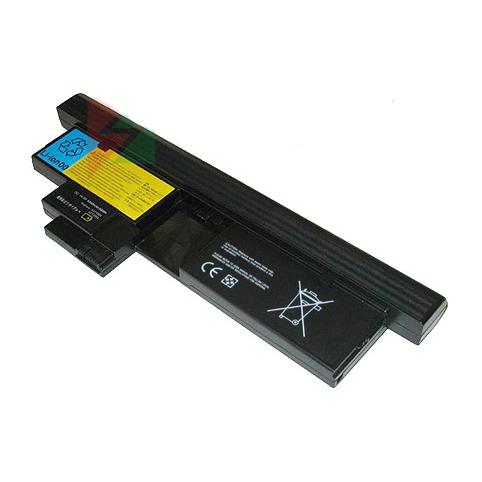
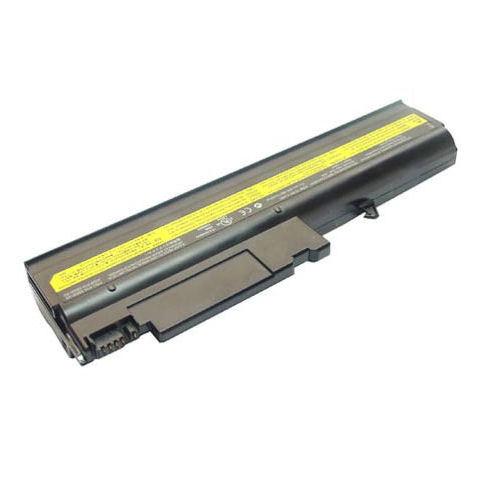
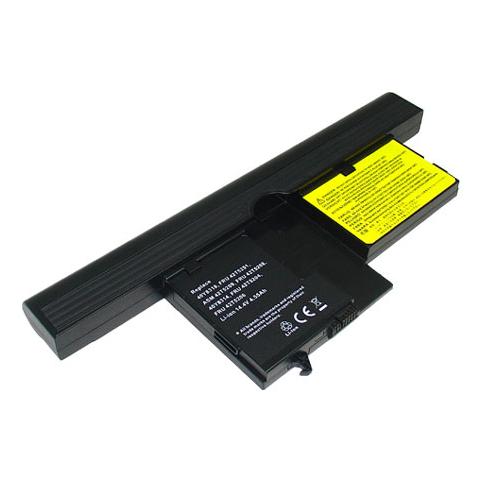
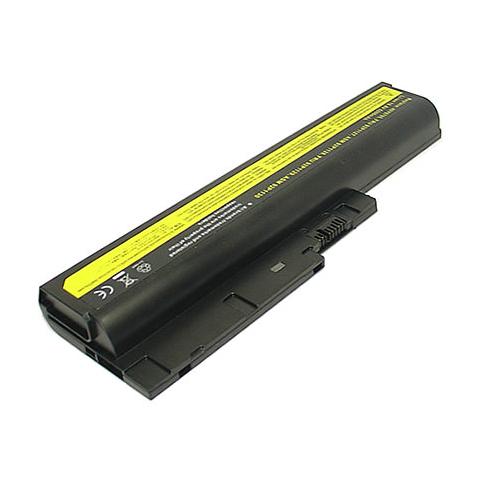
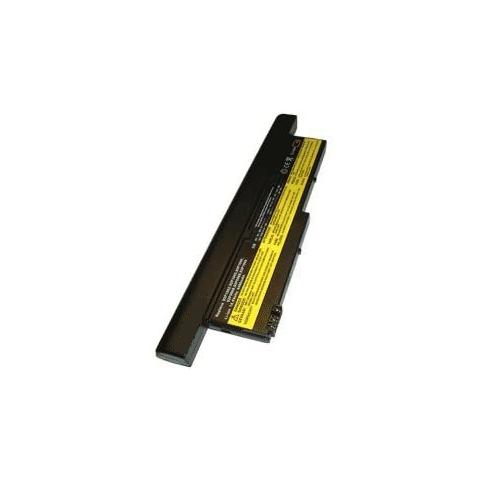
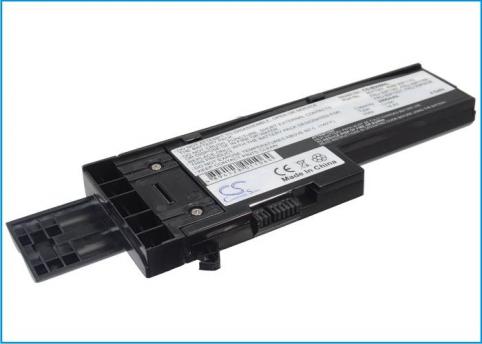
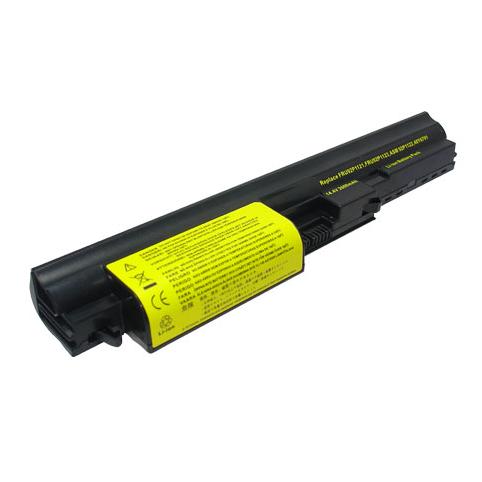
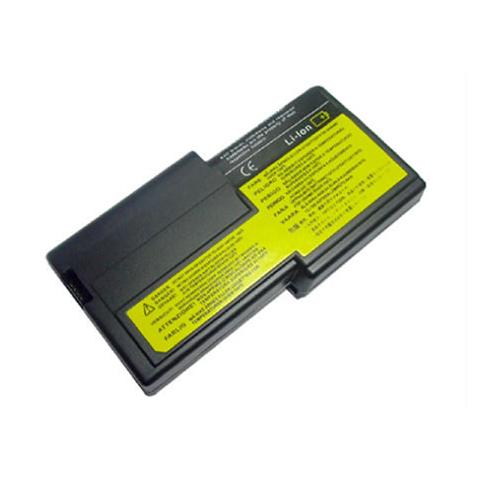
Battery laptop ibm best selling

 Français
  French
 Your basket