
With batshop, your battery laptop packard bell in stock delivered quickly in 48h
Battery for laptop packard bell


The battery of a laptop computer is a very important element which guarantees its operation and especially the freedom of its user.+
Packard Bell batteries have an excellent lifespan but wear out over time ... and there comes a time when you unfortunately cannot do without your power supply through an AC outlet to use your laptop. So now is the time to replace your battery! On batteriedeportable.com, you can find many references to replace your Packard Bell battery in order to regain the much coveted autonomy of your laptop.
These references cover a wide choice of models of Packard Bell laptops, from the EasyNote ranges to the iGo ranges, indicated on the Packard Bell battery sheet available on our website batteriedeportable.com. Photos are also available to better visualize the battery you are looking for and to identify as accurately as possible the product you are looking for.
All the Packard Bell products available in our catalog are of industrial quality, best suited to your laptop to ensure optimal performance in terms of battery life. These products, which have successfully received CE certification and comply with current international certificates, are all guaranteed for 1 year. Batteriedeportable.com also offers you secure payment possibilities, and free home delivery as well as follow-up thanks to the services offered by Colissimo.
In this article, we will share everything you need to know about Packard Bell batteries, but also and above all we will guide you step by step in your purchases.
Your laptop may also not start if its charger is not plugged in. This means that your battery no longer holds any electric charge.
In some cases, even if the battery displays full and has just been recharged, as soon as it is unplugged, it drains very quickly.
And finally, it can also happen that your computer does not recognize its battery. It is also possible that the battery icon at the bottom left of the screen has a red cross. If you click on this cross, you will receive an alert message informing you about the level of wear of your battery.
It is always possible to call in the services of a professional to diagnose the cause of the problem, but as soon as these symptoms appear, know that it is time to replace your laptop battery.
First of all, it is imperative to turn off your computer and unplug the charger to avoid any risk of short circuit. Then turn your computer over and unscrew it little by little. Then pay attention to the tablecloths. The operation must be done with care.
If your computer has a removable battery, all you have to do is push the latches aside and remove the battery. Once the battery is removed, write down all the specific information specific to your Packard Bell computer battery including voltage, capacity, type etc.
Thus, Packard Bell supports the replacement of the battery due to manufacturing anomaly which would be the cause of a malfunction of the computer in question, especially if the computer is recent.
Batteriedeportable.com offers 30 days to all its customers to change their minds if ever the item purchased does not satisfy them. The conditions are detailed on the site.
The site also offers a 6 month warranty from the date of purchase on Packard Bell batteries. To return your item, you will only have to bear the packaging costs and the return costs. We take care of the repair or replacement of the defective charger. However, damage related to the following causes is not covered:
These references cover a wide choice of models of Packard Bell laptops, from the EasyNote ranges to the iGo ranges, indicated on the Packard Bell battery sheet available on our website batteriedeportable.com. Photos are also available to better visualize the battery you are looking for and to identify as accurately as possible the product you are looking for.
All the Packard Bell products available in our catalog are of industrial quality, best suited to your laptop to ensure optimal performance in terms of battery life. These products, which have successfully received CE certification and comply with current international certificates, are all guaranteed for 1 year. Batteriedeportable.com also offers you secure payment possibilities, and free home delivery as well as follow-up thanks to the services offered by Colissimo.
In this article, we will share everything you need to know about Packard Bell batteries, but also and above all we will guide you step by step in your purchases.
When to change laptop battery
The loss of battery life makes laptop use less comfortable. Indeed, it is annoying to have to connect your charger every quarter of an hour. This is the first sign that it is time to replace your computer battery.Your laptop may also not start if its charger is not plugged in. This means that your battery no longer holds any electric charge.
In some cases, even if the battery displays full and has just been recharged, as soon as it is unplugged, it drains very quickly.
And finally, it can also happen that your computer does not recognize its battery. It is also possible that the battery icon at the bottom left of the screen has a red cross. If you click on this cross, you will receive an alert message informing you about the level of wear of your battery.
It is always possible to call in the services of a professional to diagnose the cause of the problem, but as soon as these symptoms appear, know that it is time to replace your laptop battery.
Some tips for replacing your Packard Bell computer battery
Currently, most Packard Bell computers no longer have removable batteries. For some years, the batteries have been targeted and extracting them requires the use of screwdrivers.First of all, it is imperative to turn off your computer and unplug the charger to avoid any risk of short circuit. Then turn your computer over and unscrew it little by little. Then pay attention to the tablecloths. The operation must be done with care.
If your computer has a removable battery, all you have to do is push the latches aside and remove the battery. Once the battery is removed, write down all the specific information specific to your Packard Bell computer battery including voltage, capacity, type etc.
The guarantees offered by Packard Bell and batteriedeportable.com
The Packard Bell brand offers a warranty on all batteries purchased. The Packard Bell battery lasts a maximum of 1 year. This is due to the fact that it is considered as a computer consumable at the same rank as the ink cartridges.Thus, Packard Bell supports the replacement of the battery due to manufacturing anomaly which would be the cause of a malfunction of the computer in question, especially if the computer is recent.
Batteriedeportable.com offers 30 days to all its customers to change their minds if ever the item purchased does not satisfy them. The conditions are detailed on the site.
The site also offers a 6 month warranty from the date of purchase on Packard Bell batteries. To return your item, you will only have to bear the packaging costs and the return costs. We take care of the repair or replacement of the defective charger. However, damage related to the following causes is not covered:
- The natural wear of the product
- Damage caused by improper use, contact with liquid or any accident
- Modification of the material in such a way as to alter its functionality
- The illegibility or absence of the serial number
Tips for properly maintaining your battery
Once you've received your new battery, here are some tips to help you improve its lifespan and at the same time maximize the comfort of using your laptop:- When charging your computer, only remove the charger when it is 100% full. If you unplug your charger when the battery is not fully charged, you may shorten its life.
- Do not store your laptop in a place where the temperature is too high, this seriously affects the life of your battery. There is also a risk of explosion. The ideal is to store your laptop at a temperature varying between 10 degrees Celsius and 30 degrees Celsius. However, be aware that a place that is too cold or too humid can have negative consequences on your Packard Bell laptop battery.
- The battery (and computer) should also not be placed near a heat source such as an oven or the like. This will alter the autonomy of your new battery. In the worst cases, this can cause the battery to explode.
- Automate your laptop's sleep mode activation to maximize the capacity of your new Packard Bell laptop battery.
- When you are not using your computer, have the habit of turning off your screen and your hard disk by activating standby
- In order for your battery to last, do not set the brightness to its maximum. A screen that is too bright is very energy intensive.
Battery laptop packard bell best selling
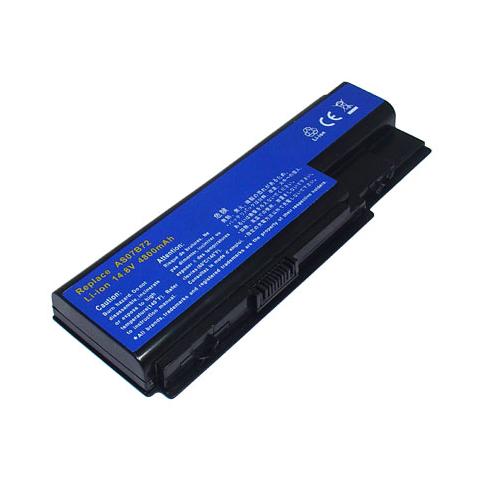
Battery packard bell easynote lj75
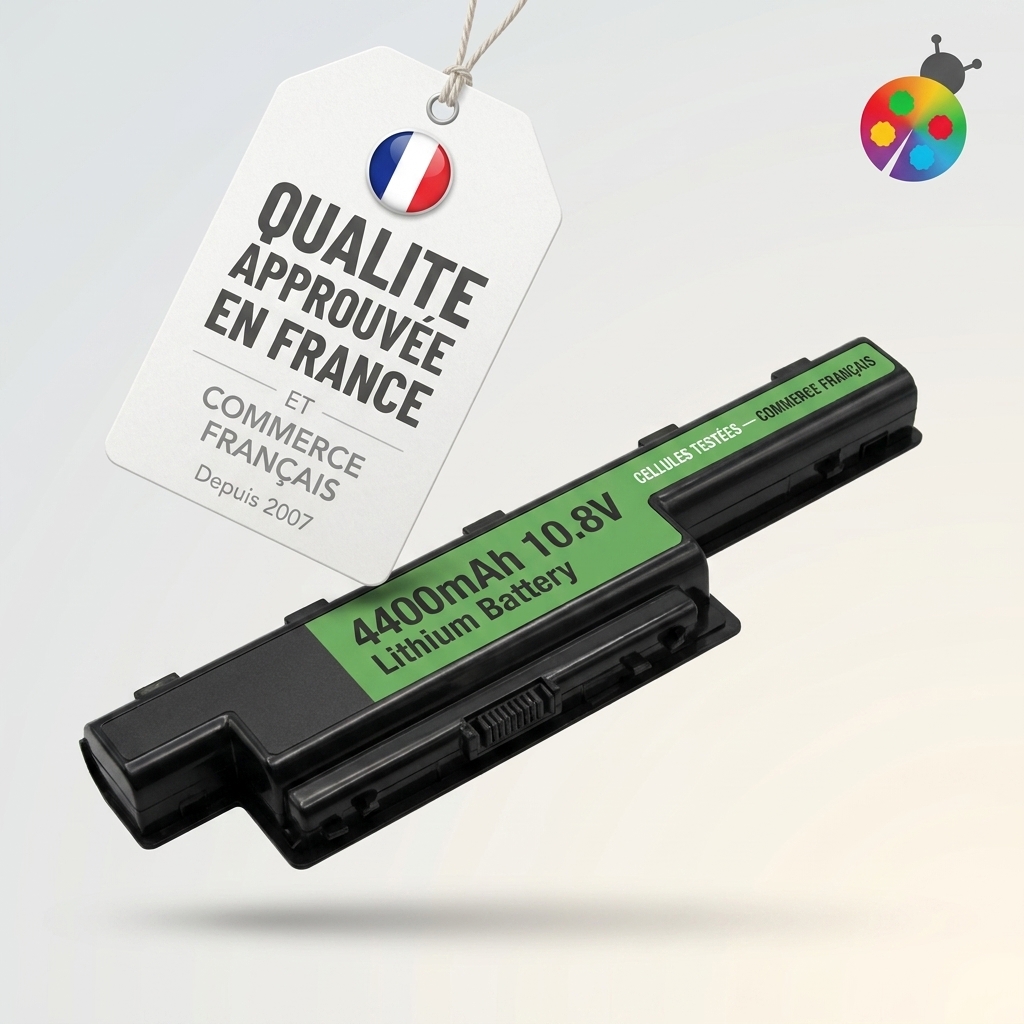
Battery packard bell easynote le69kb
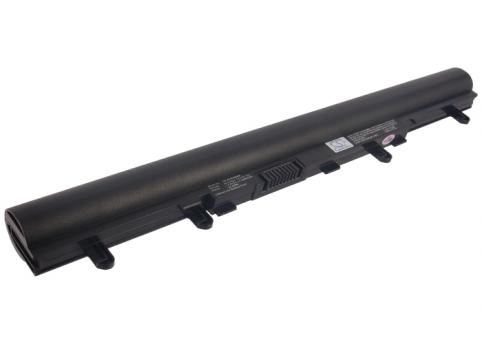
Battery packard bell ms2384
Battery packard bell easynote le11bz
Battery packard bell easynote te11hc
Battery packard bell easynote ls
Battery packard bell easynote te69kb
Battery packard bell easynote te11bz
Battery packard bell easynote lv11hc
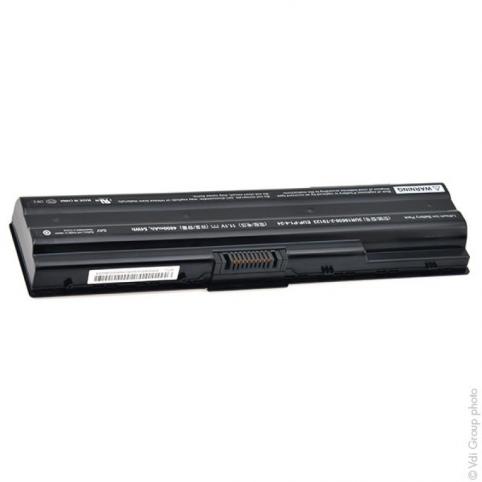
Battery packard bell easynote kamet gm
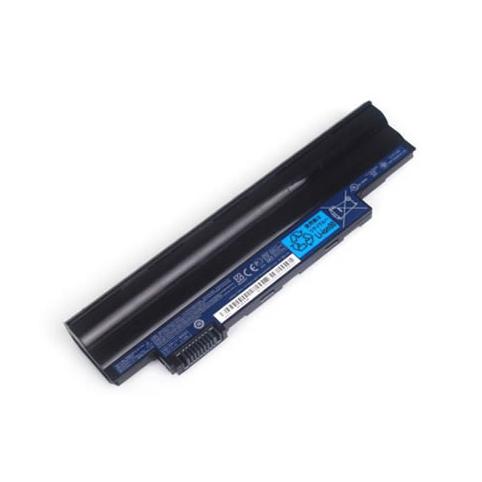
Battery packard bell lt2802h
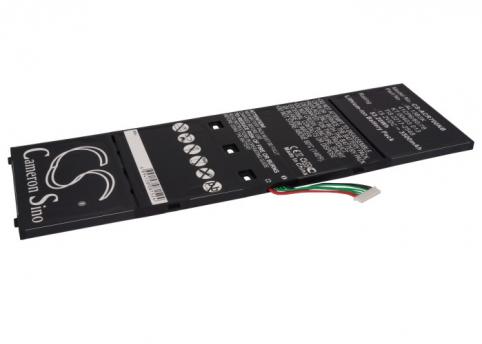
Battery packard bell entg71bm
Battery packard bell easynote tsx62hr
Battery packard bell easynote te
Battery packard bell easynote lm85
Battery packard bell easynote lv44hc
Battery packard bell dots c 261g32nuw
Battery packard bell easynote tk85
Battery packard bell easynote ts13 hr 215fr
Battery packard bell easynote ls11
Battery packard bell easynote te69cxp
Battery packard bell easynote lv
Battery packard bell easynote tm85
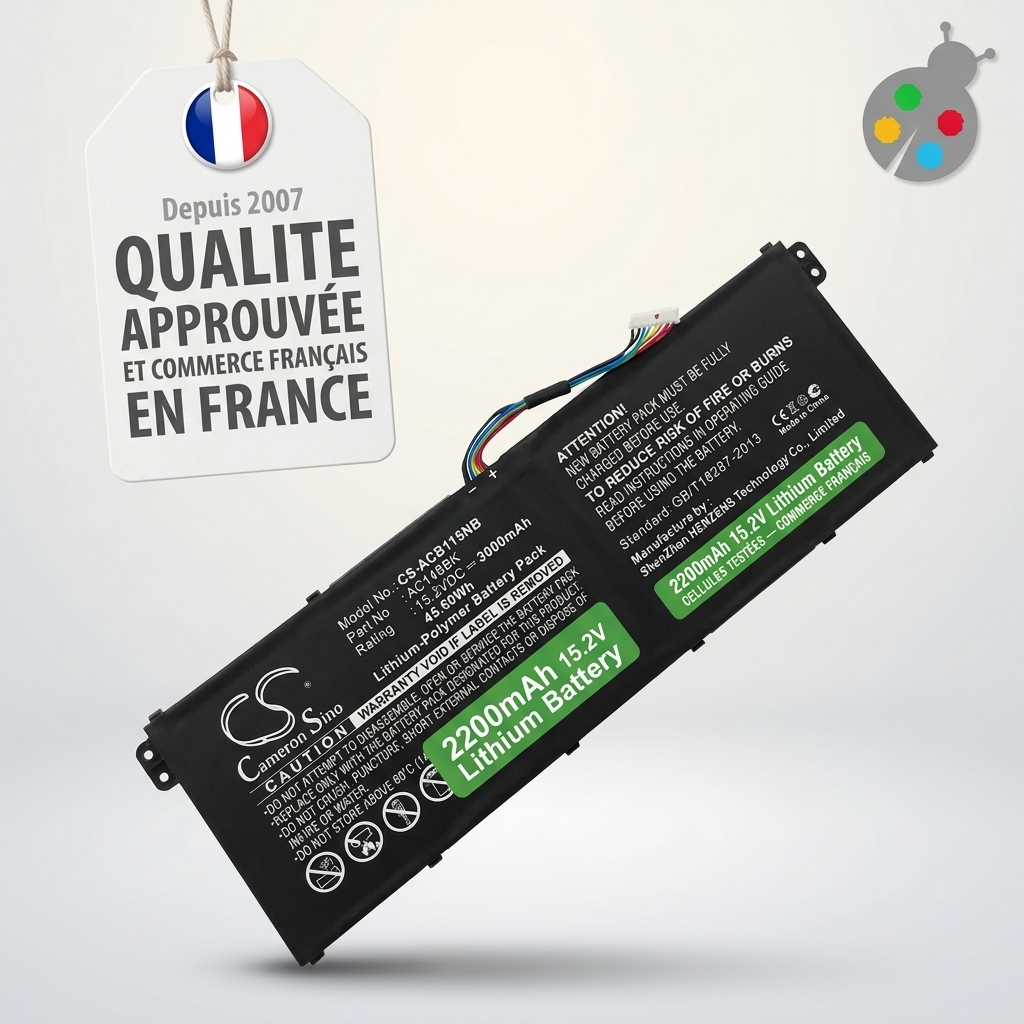
Battery packard bell en lg71 bm
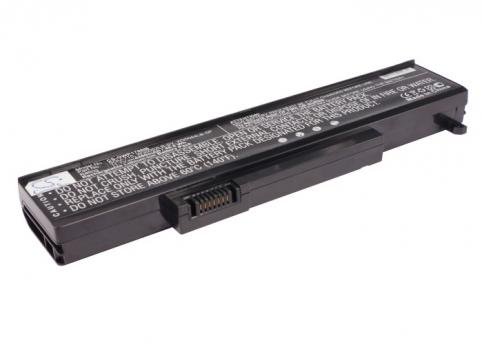
Battery packard bell ipower gx m
Battery packard bell easynote ls44 hr 056fr
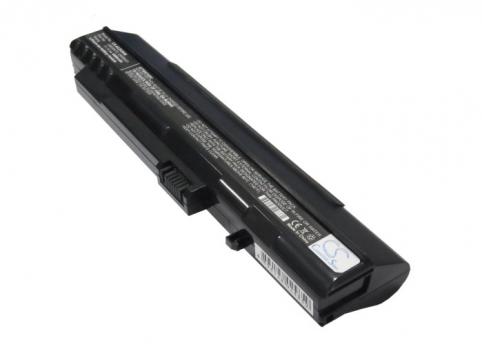
Battery packard bell dot s kav60
Battery packard bell easynote ts45hr
Battery packard bell easynote le

Battery packard bell easynote w3973
Battery packard bell easynote w3900
Battery packard bell easynote tk11
Battery packard bell easynote e3247
Battery packard bell easynote te69cx
Battery packard bell easynote lj67
Battery packard bell easynote ls13
Battery packard bell easynote lm
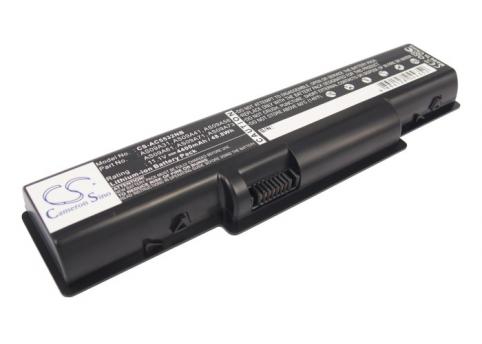
Battery packard bell easynote tj68
Battery packard bell easynote ts11hr
Battery packard bell easynote tv44
Battery packard bell easynote te69bmp
Battery packard bell ipower gx m
Battery packard bell easynote ts
Battery packard bell easynote ts11
Battery packard bell easynote ls44 hr 200fr
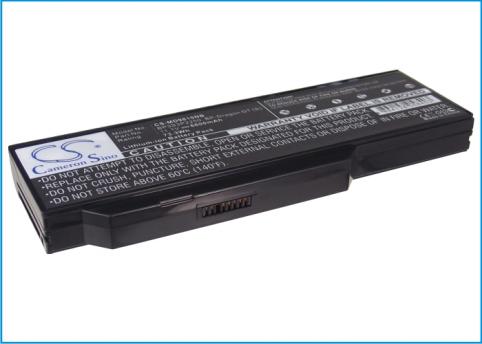
Battery packard bell easynote w3522
Battery packard bell easynote ls11 hr 044
Battery packard bell easynote le69kb 1143nl8.1
Battery packard bell easynote ns44hr
Battery packard bell easynote tk36
Battery packard bell easynote sw61
Battery packard bell easynote lj61 sb
Battery packard bell easynote lj77
Battery packard bell easynote ls44 hr 151fr
Battery packard bell easynote ls44 hr 045fr
Battery packard bell easynote lj67 cu
Latest packard bell batteries added:
Battery packard bell easynote sw61
Battery packard bell easynote tk36
Battery packard bell easynote ns44hr
Battery packard bell easynote le69kb 1143nl8.1
Battery packard bell easynote ls11 hr 044
Battery packard bell easynote w3522
Battery packard bell easynote ls44 hr 200fr
Battery packard bell easynote ts11
Battery packard bell easynote ts
Battery packard bell ipower gx m
Battery packard bell easynote te69bmp
Battery packard bell easynote tv44
Battery packard bell easynote ts11hr
Battery packard bell easynote tj68
Battery packard bell easynote lm
Battery packard bell easynote ls13

 Français
  French
 Your basket