
With batshop, your battery tablet in stock delivered quickly in 48h
Battery for tablet











With time and repeated use, tablet batteries wear out.+
On Batteriedeportable, you can find an impressive assortment of touchscreen tablet batteries from top brands like Apple, Samsung, Huawei, ZTE, Toshiba, Dell, Sony, etc. We strive to provide you with high quality batteries at very competitive prices.
In other words, our goal is to provide you with new, reliable and affordable replacement batteries. With us you can be sure of the quality of your product for the online battery purchase you are looking for. To meet your needs, we have a fine, state-of-the-art inventory that includes batteries for the devices you use.
Once installed, the app walks you through a brief introduction. It also provides you with relevant information including your battery life, details about your average battery usage, how fast your device is charging, and your battery wear.
As the battery gets older, it can not only lose capacity, but it can also start to expand. A battery can swell to the point of swelling the tablet screen and damaging it in the long run.
Once a battery begins to swell, it should be replaced. This is a common problem with tablets and mobile phones. A standard test is to place the device on a flat surface and try to spin it. If the tablet spins, the battery begins to expand. In this case, it is advisable to replace it.
For example, if your tablet's battery life decreases by half, it means that it's time to change it, as it starts to lose some of its capacity.
This is measured in milliampere-hours (mAh) and it varies according to each device. As long as your charger comfortably exceeds the number listed for the tablet, you'll get at least one full charge. Besides the capacity (specific energy), there are other characteristics that can help you identify the battery. Among these characteristics, two of them stand out, of which: the material and the tension. The main material characteristics of batteries are lead, nickel and lithium. They all need a specific charger, so charging these batteries with a different charger can result in incomplete charging, although it may seem to work at first. A battery has a nominal voltage. In addition to the number of cells connected in series, the hardware provides the open circuit voltage, which is about 5% to 7% higher on a fully charged battery. It is important to verify the correct voltage rating of a battery before connecting it.
This is mainly due to the confusion over the different types of cells and batteries used in electronic devices. Lithium-ion batteries are used a lot these days, and the way you take care of them is very different. You should know that heat is the first enemy of all tablet batteries. You can help extend the life of your battery and maintain its capacity by properly caring for your battery. Here are some practical tips to take into account to increase its lifespan:
Batteries of touch tablets on Laptop battery
You rely on your tablet for several daily tasks, but when it doesn't turn on it can be stressful. Listening to music , watching broadcasts continuously or sending emails, each of these uses considerably consumes your tablet's battery. Also, it is important to have a battery in impeccable condition to ensure the proper functioning of your tablet.On Batteriedeportable, you can find an impressive assortment of touchscreen tablet batteries from top brands like Apple, Samsung, Huawei, ZTE, Toshiba, Dell, Sony, etc. We strive to provide you with high quality batteries at very competitive prices.
In other words, our goal is to provide you with new, reliable and affordable replacement batteries. With us you can be sure of the quality of your product for the online battery purchase you are looking for. To meet your needs, we have a fine, state-of-the-art inventory that includes batteries for the devices you use.
How to check the health of the battery of your tablet?
Maybe you would like to check your tablet's battery status and get help to preserve it? While you can't do this natively on Android, there are apps that make it easy for you to keep your battery healthy. Among these apps are Accubattery, BatteryBar, BatteryCare, BatteryMon, etc.Once installed, the app walks you through a brief introduction. It also provides you with relevant information including your battery life, details about your average battery usage, how fast your device is charging, and your battery wear.
As the battery gets older, it can not only lose capacity, but it can also start to expand. A battery can swell to the point of swelling the tablet screen and damaging it in the long run.
Once a battery begins to swell, it should be replaced. This is a common problem with tablets and mobile phones. A standard test is to place the device on a flat surface and try to spin it. If the tablet spins, the battery begins to expand. In this case, it is advisable to replace it.
How to know if it's time to replace your tablet battery
Basically, all the batteries used in tablets and smartphones degrade over time. At the start of their use, your tablet's battery will take advantage of its maximum capacity, but over the months and years, this capacity will slowly decrease until the battery is fully discharged. If your Android tablet or phone does not turn on, you must first check if the problem comes from the battery. Some devices notify you when it's time to replace your battery. For others, you can find third-party apps that allow you to check the health of your battery. To find out if it's time to replace your tablet battery, you can also compare the time to keep your battery charged while using the device.For example, if your tablet's battery life decreases by half, it means that it's time to change it, as it starts to lose some of its capacity.
How to choose the right battery for your touchscreen tablet?
The tablets incorporate a dedicated charging device and rules allowing the use of a simple external USB power supply. This integrated charging equipment and the design of the battery pack ensure safe use of the batteries. Hence the importance of choosing the right battery for your touch pad. When purchasing a battery for your touchscreen tablet, you must take into account its capacity. An easy way to determine your basic needs is to check the capacity of the battery that is already in your device.This is measured in milliampere-hours (mAh) and it varies according to each device. As long as your charger comfortably exceeds the number listed for the tablet, you'll get at least one full charge. Besides the capacity (specific energy), there are other characteristics that can help you identify the battery. Among these characteristics, two of them stand out, of which: the material and the tension. The main material characteristics of batteries are lead, nickel and lithium. They all need a specific charger, so charging these batteries with a different charger can result in incomplete charging, although it may seem to work at first. A battery has a nominal voltage. In addition to the number of cells connected in series, the hardware provides the open circuit voltage, which is about 5% to 7% higher on a fully charged battery. It is important to verify the correct voltage rating of a battery before connecting it.
Tips for maintaining your tablet battery
When it comes to battery maintenance, everyone has their little tip advised by a loved one. Yet many of them are false.This is mainly due to the confusion over the different types of cells and batteries used in electronic devices. Lithium-ion batteries are used a lot these days, and the way you take care of them is very different. You should know that heat is the first enemy of all tablet batteries. You can help extend the life of your battery and maintain its capacity by properly caring for your battery. Here are some practical tips to take into account to increase its lifespan:
- Never unload it completely. To maintain the lithium-ion battery of your tablet, you must avoid completely discharging it, because once the battery is fully discharged, in some cases it cannot be recharged. Also, don't hesitate to plug in or unplug your charger at any time. Note that lithium-ion batteries have no memory effect.
- Avoid leaving your device in a hot place. You must remember to keep your device away from heat, as this accelerates the wear of the battery.
- Avoid using fast chargers. Fast charging using inexpensive chargers generates more heat, which can quickly damage your tablet battery. Also, it should be avoided to maintain the battery. To maintain a longer battery life, the tablet should be charged at a slower rate.
- Unplug the charger as soon as charging is complete. Leaving the charger plugged into the tablet continuously for hours on end quickly destroys the battery. It is therefore preferable to unplug it as soon as the appliance reaches the required load.
Why trust us?
Laptop Battery is the place to go to find the right battery if your tablet battery is damaged. In our stock, we offer a wide range of batteries for touch tablets of different brands, including the most famous such as Apple, Samsung, Huawei, HTC or even Acer and Archos, etc. In addition, we ship all of our batteries reliably and quickly. For metropolitan France, the delivery time is 2 working days, while it is 4 working days for the rest of Europe.Battery tablet best selling
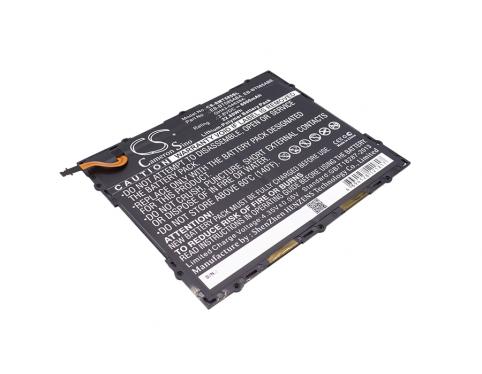
Liste 77220
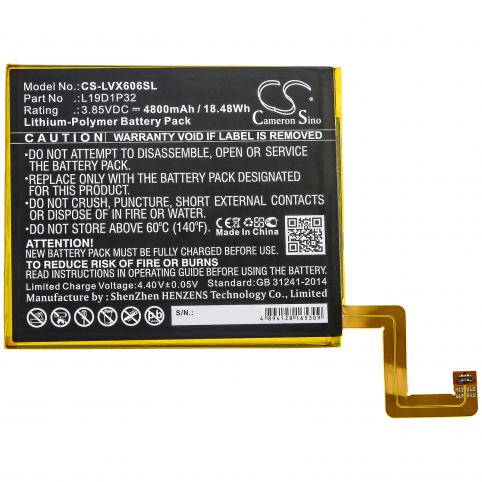
Liste 91198
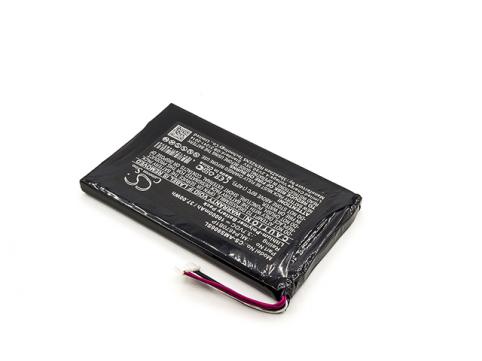
Battery autel mlp4670b1p maxisys ms906bt
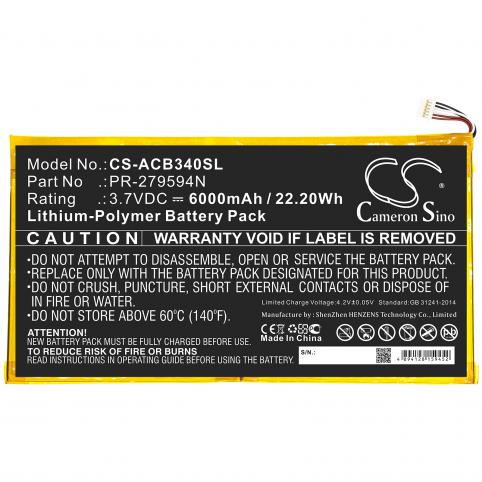
Liste 91175
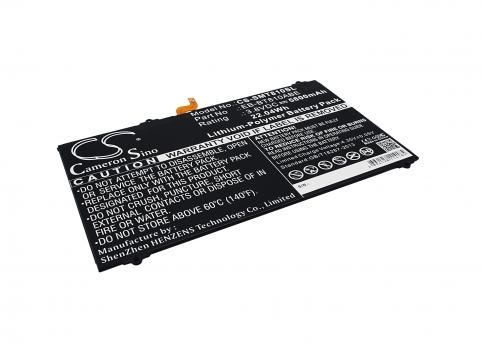
Liste 77216
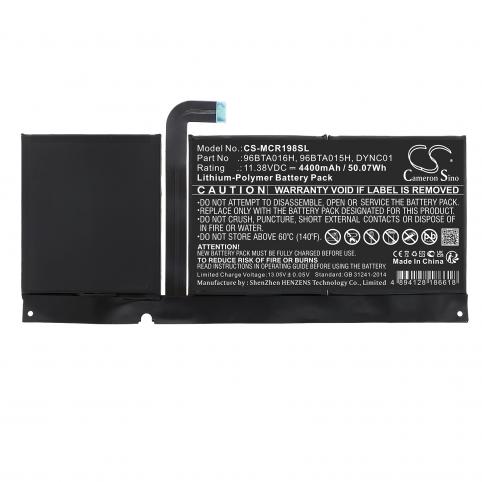
Battery microsoft 96bta016h surface pro 8
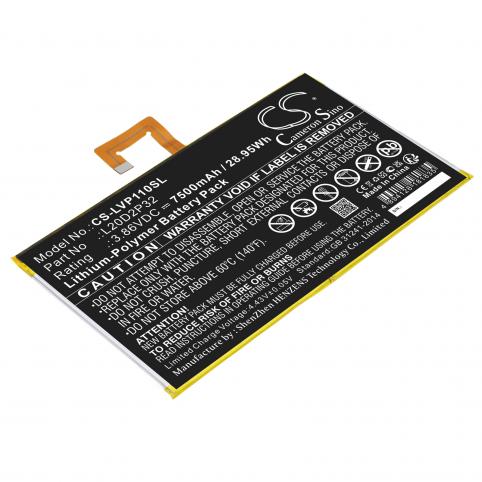
Battery lenovo l20d2p32 tab p11
-50%
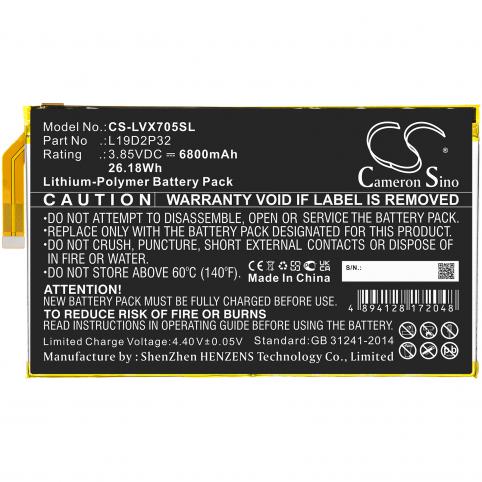
Liste 111251
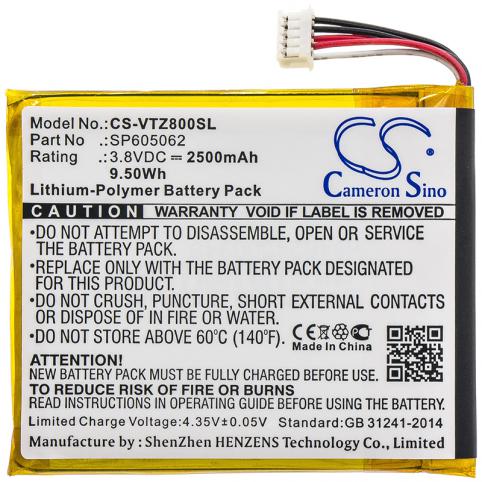
Liste 91189
Battery vtech sp605062 80 169500
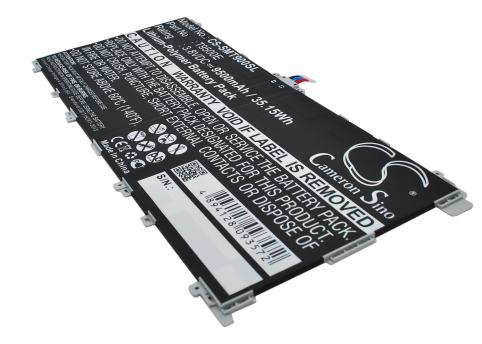
Battery samsung sm t900 galaxy tabpro 12.2
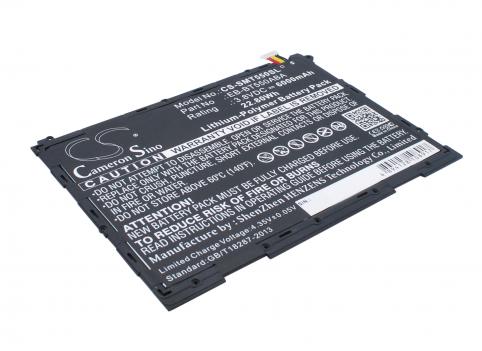
Liste 74788
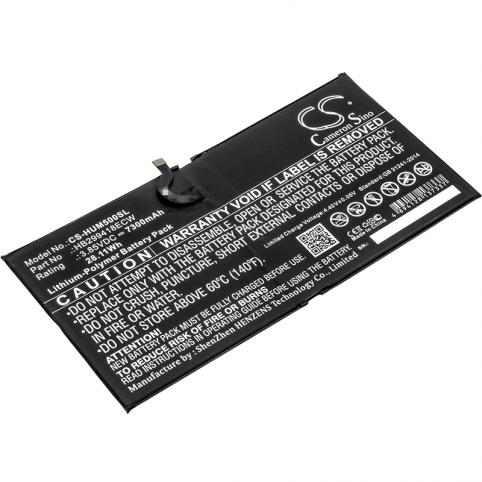
Liste 78977
Liste 83087
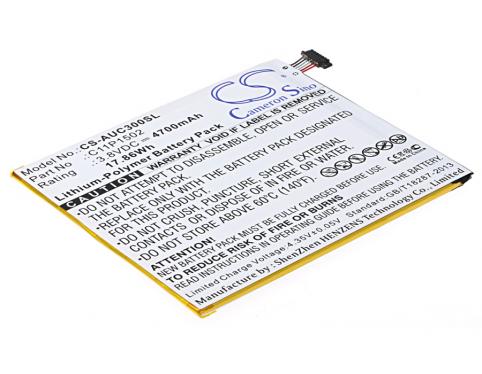
Liste 74750
Liste 74750
-50%
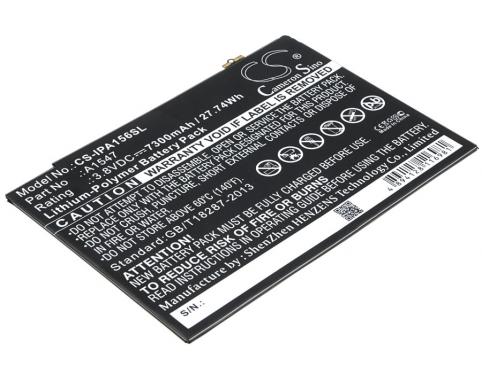
Liste 74748
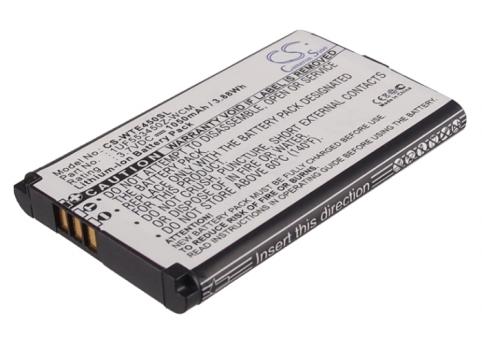
Liste 17237
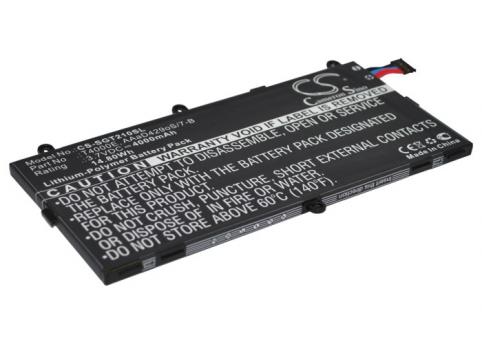
Liste 71324
Liste 71324
-50%
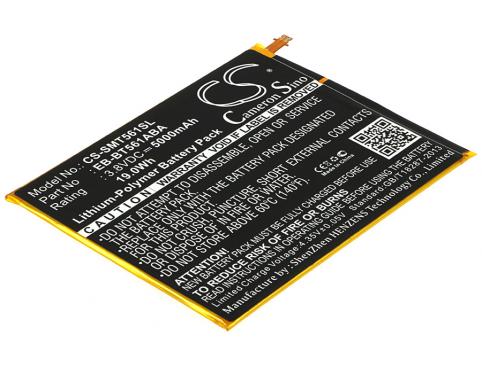
Liste 74693
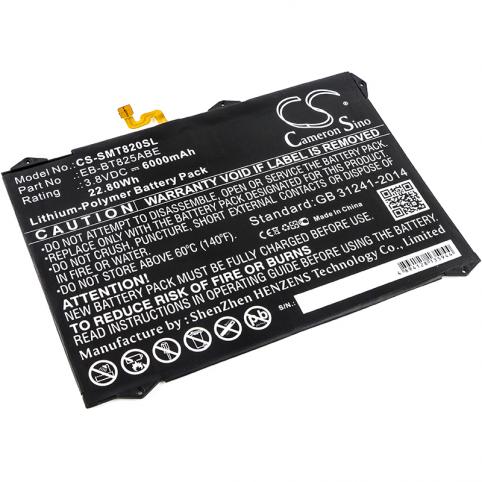
Liste 78986
-50%
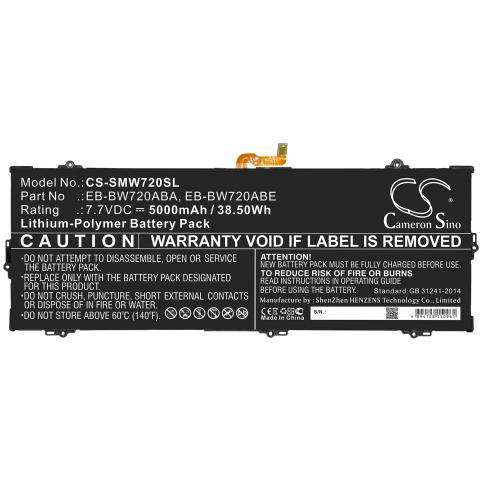
Liste 91191
Liste 74788
Liste 119990
-50%
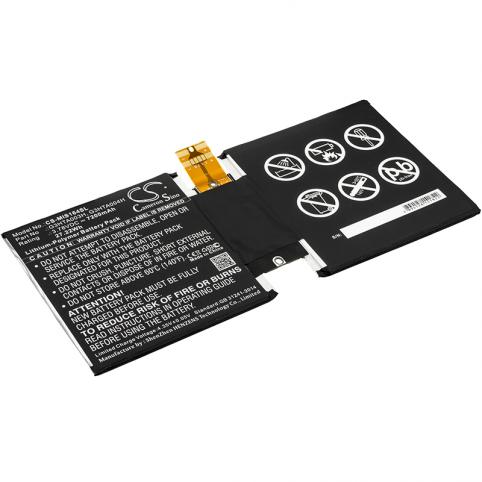
Battery microsoft surface 3 1645 g3hta003h
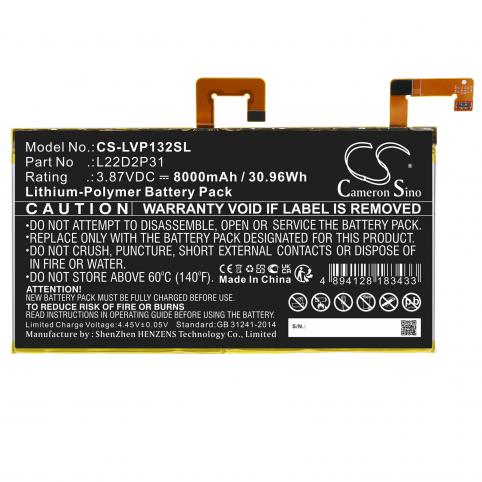
Liste 115450
Liste 91198
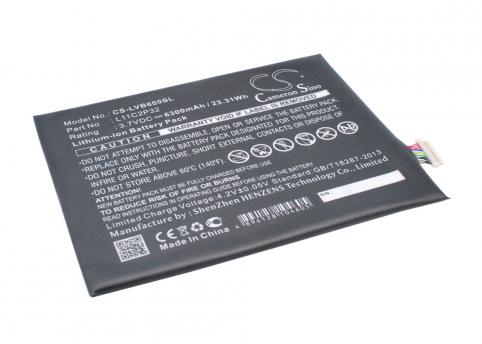
Battery lenovo ideapad s6000 l11c2p32
-50%
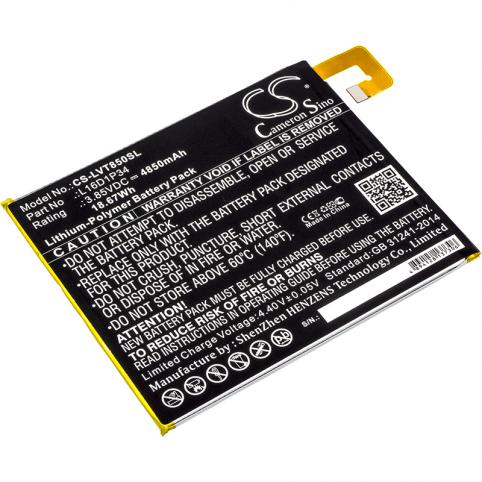
Battery lenovo l16d1p34 tab 4
Liste 115133
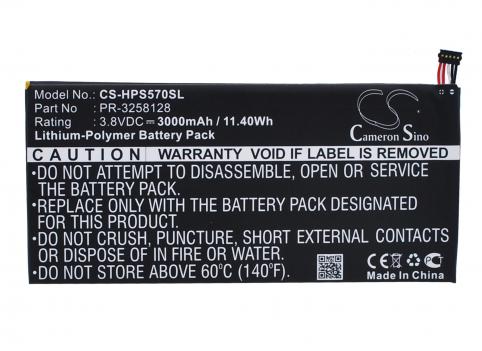
Battery hp stream 7 5700 pr 3258128
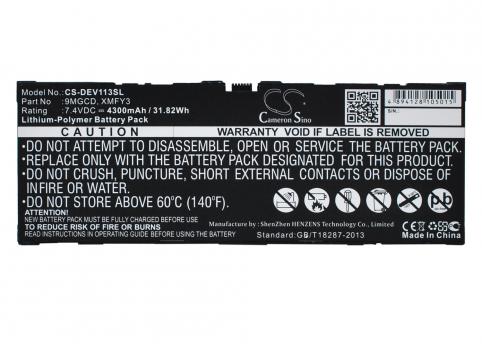
Liste 74761
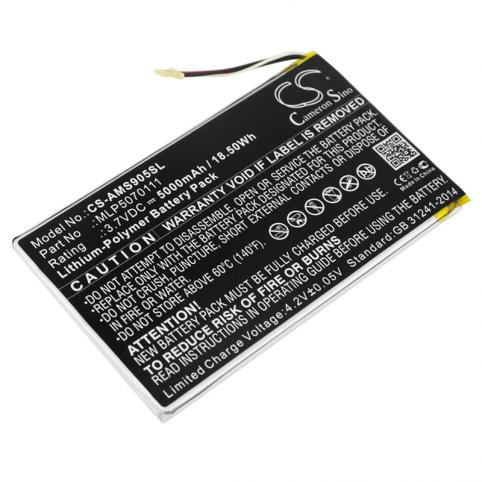
Battery autel maxipro mp808ts pl 5080112
Battery autel mlp5070111 ds808
Liste 107024
Battery asus c11p1502 p023
-50%
Liste 17221
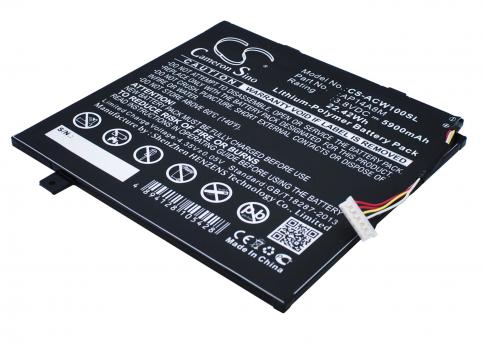
Liste 74725
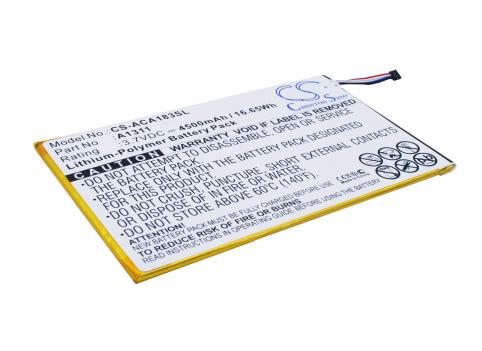
Battery acer iconia tab 8 a1311
Liste 77255

Liste 91143
Liste 91189
-50%
Liste 115169
-50%
Liste 70571
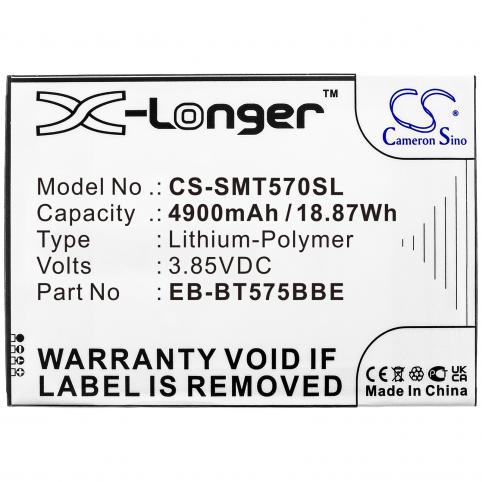
Battery samsung eb bt575bbe galaxy tab active 3
Liste 143620
Liste 115558
-50%
Liste 71687
-50%
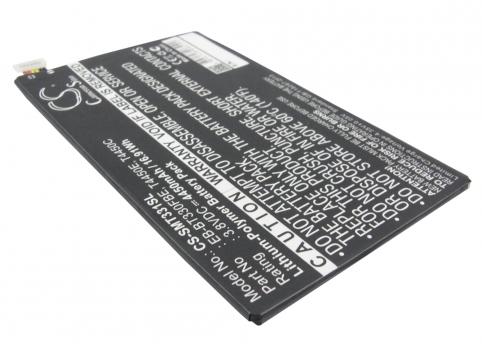
Liste 71685
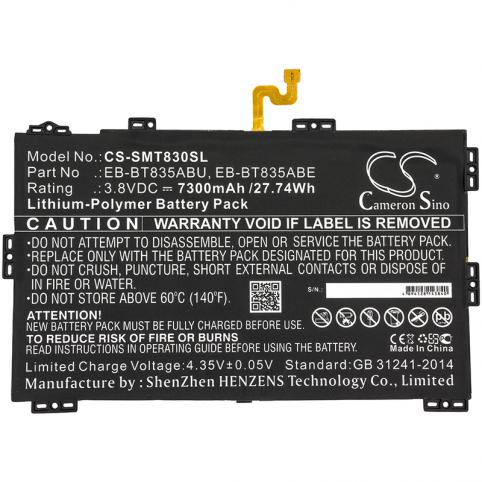
Liste 91096
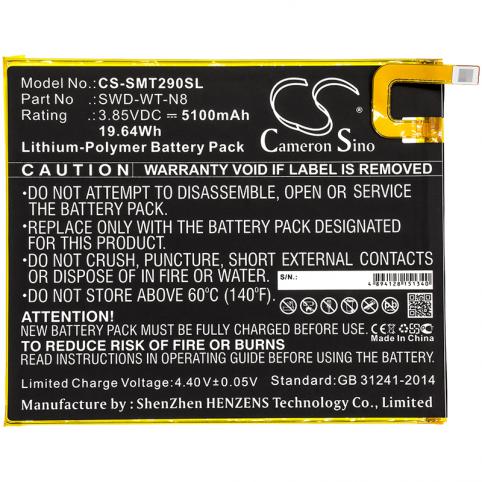
Liste 91132
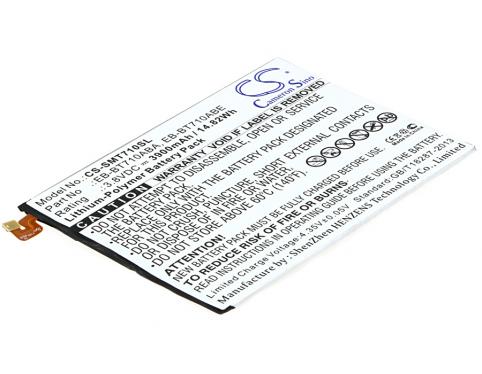
Liste 74690
Liste 78987
Liste 77221
Liste 74786
-50%
Liste 74689
Battery samsung galaxy tab s2 eb bt710aba
-50%
Liste 91191
Liste 74690
Liste 74694
-50%
Liste 74693
Liste 77220
-50%
Liste 74689
-50%
Liste 17226
-50%
Battery samsung sm t560 galaxy tab e
-50%
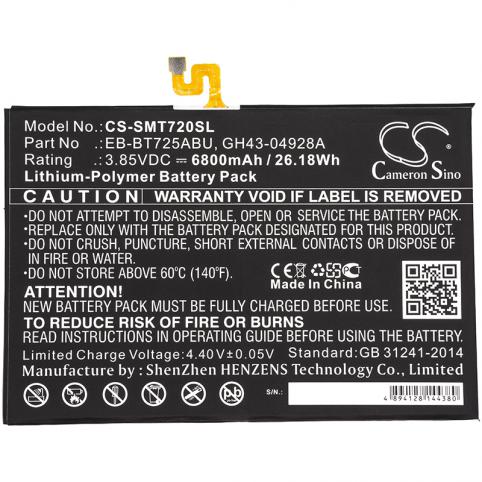
Battery samsung eb bt725abu galaxy tab s5e
Liste 71690
-50%
Liste 81646
Battery samsung eb bt810abe galaxy tab s2
-50%
Liste 17226
Liste 74788
Liste 71326
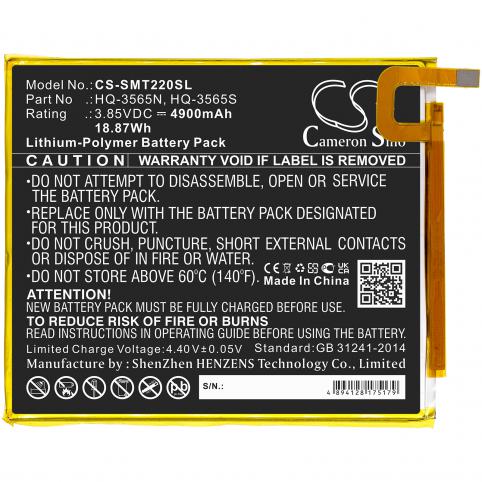
Liste 111925
-50%
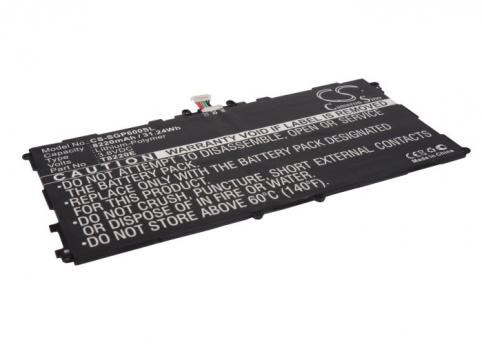
Liste 71327
Liste 74788
-50%
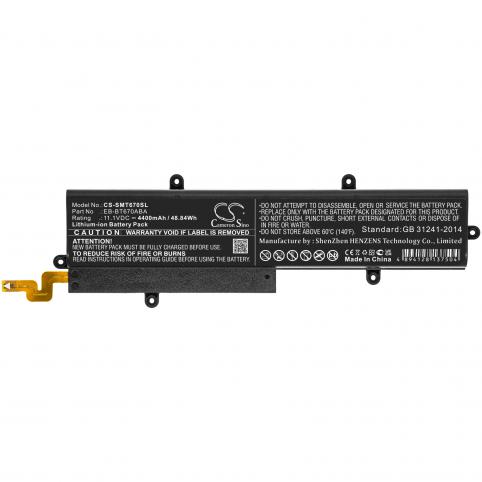
Battery samsung eb bt670aba galaxy view
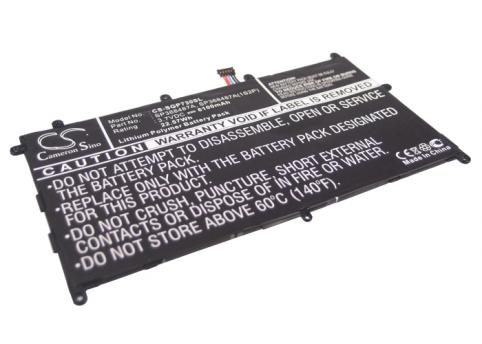
Battery samsung galaxy tab 8.9, gt p7300, gt p731
-50%
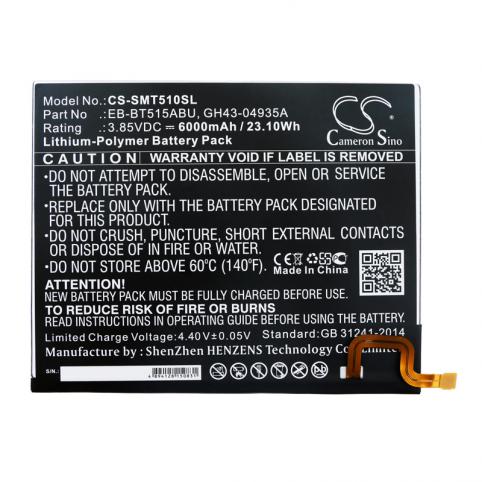
Liste 91190
Liste 78986
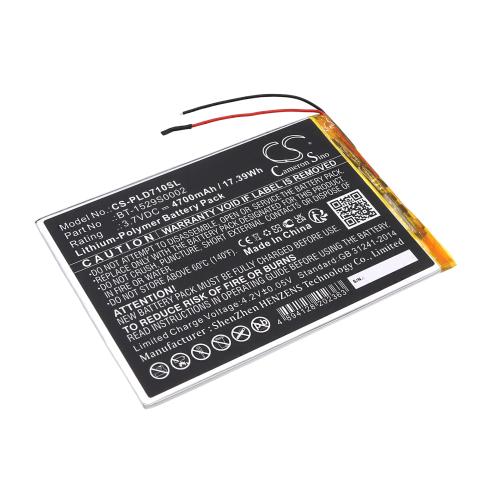
Liste 130876
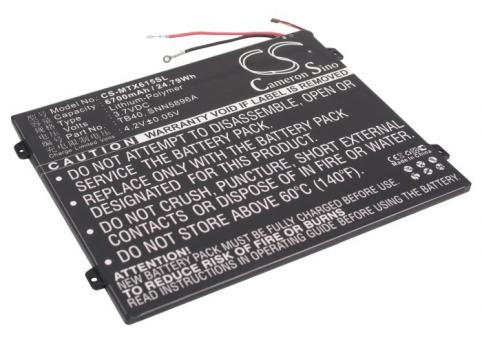
Battery motorola tb40 droid xyboard 10.1
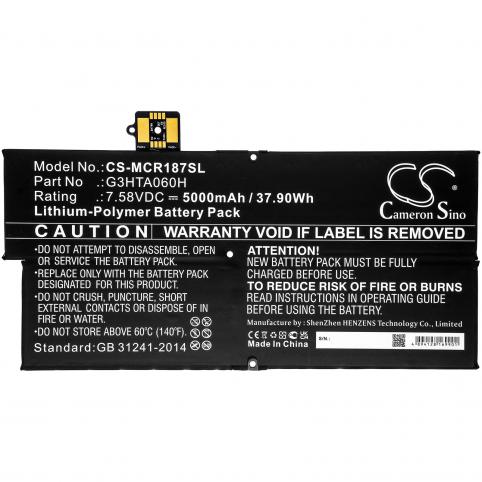
Liste 110708
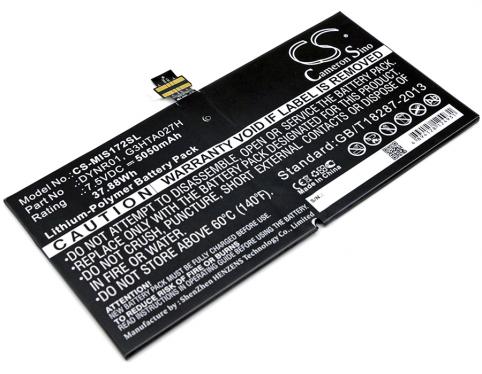
Liste 77259
Liste 82511
Liste 110710
Liste 77259
-50%
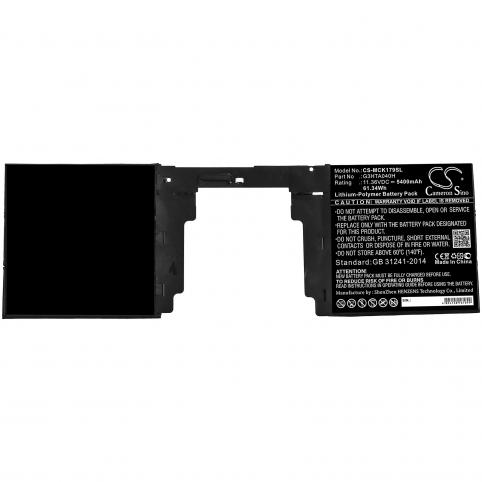
Battery microsoft g3hta040h surface book 2nd 15 1
Liste 91161
Liste 91192
Liste 115133
-50%
Battery lenovo l19d2p32 yoga smart tab
Liste 77214
Liste 78977
Liste 120401
Battery huawei hb26a510ebc mediapad m2 10.1

 Français
  French
 Your basket